your set, off the desk.
tonee runs on your computer, wired into Ableton Live. The phone app is that same session in your hand: walk to the back of the room, listen properly, and say what to change from where you are standing.
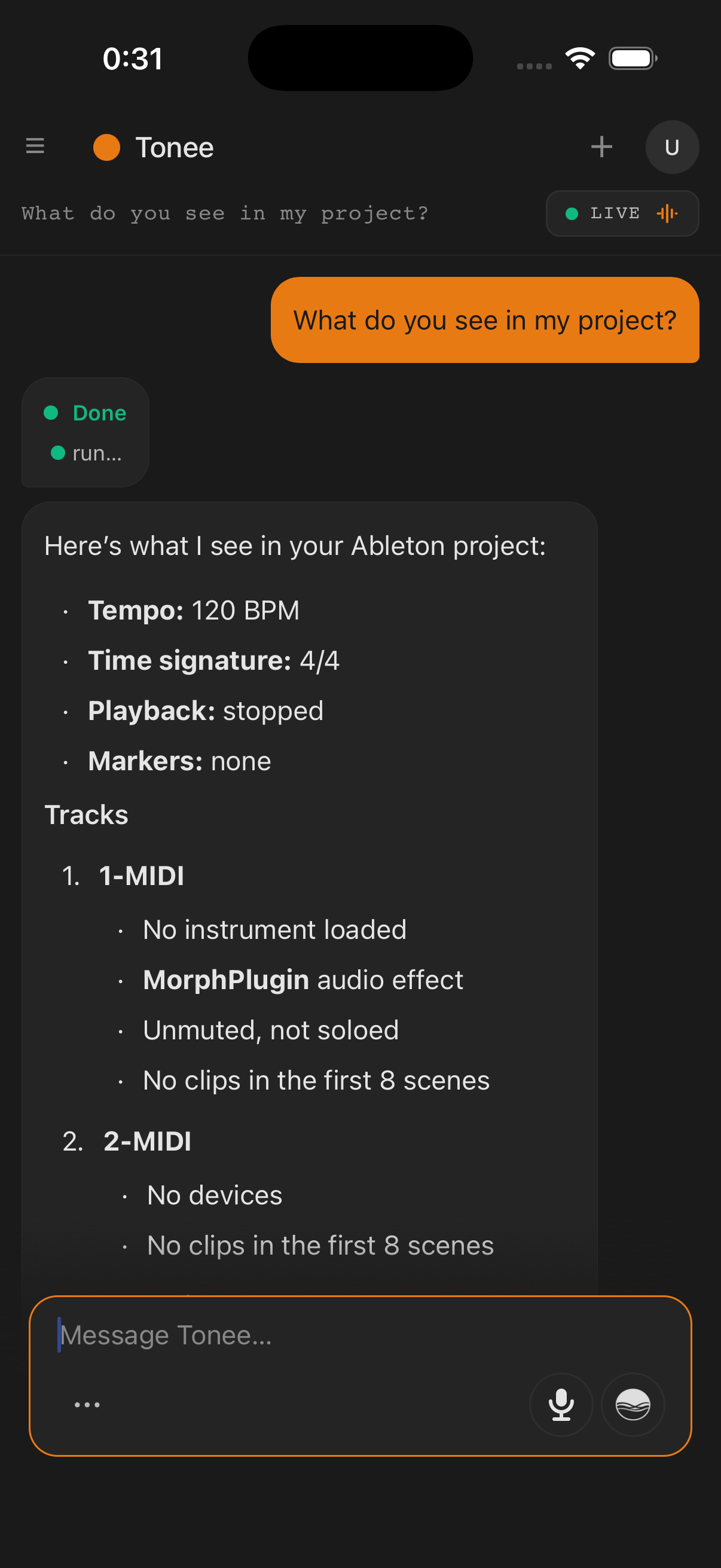
one session, two screens.
The phone is not a second tonee. It joins the conversation already running on your computer, and watches the same reply arrive: the same streaming text, the same tool calls, the same checklist ticking off, at the same moment.
Ableton Live
Open on your machine, with tonee’s control surface enabled.
↓ osc, on your machinetonee on your Mac or PC
Holds the session and makes every change. This is the part that touches Live.
↓ encrypted, to the cloudtonee on your phone
Signs into the same account and picks up the same chat. Cellular is fine. It never needs your studio Wi-Fi.
what the room
is doing.
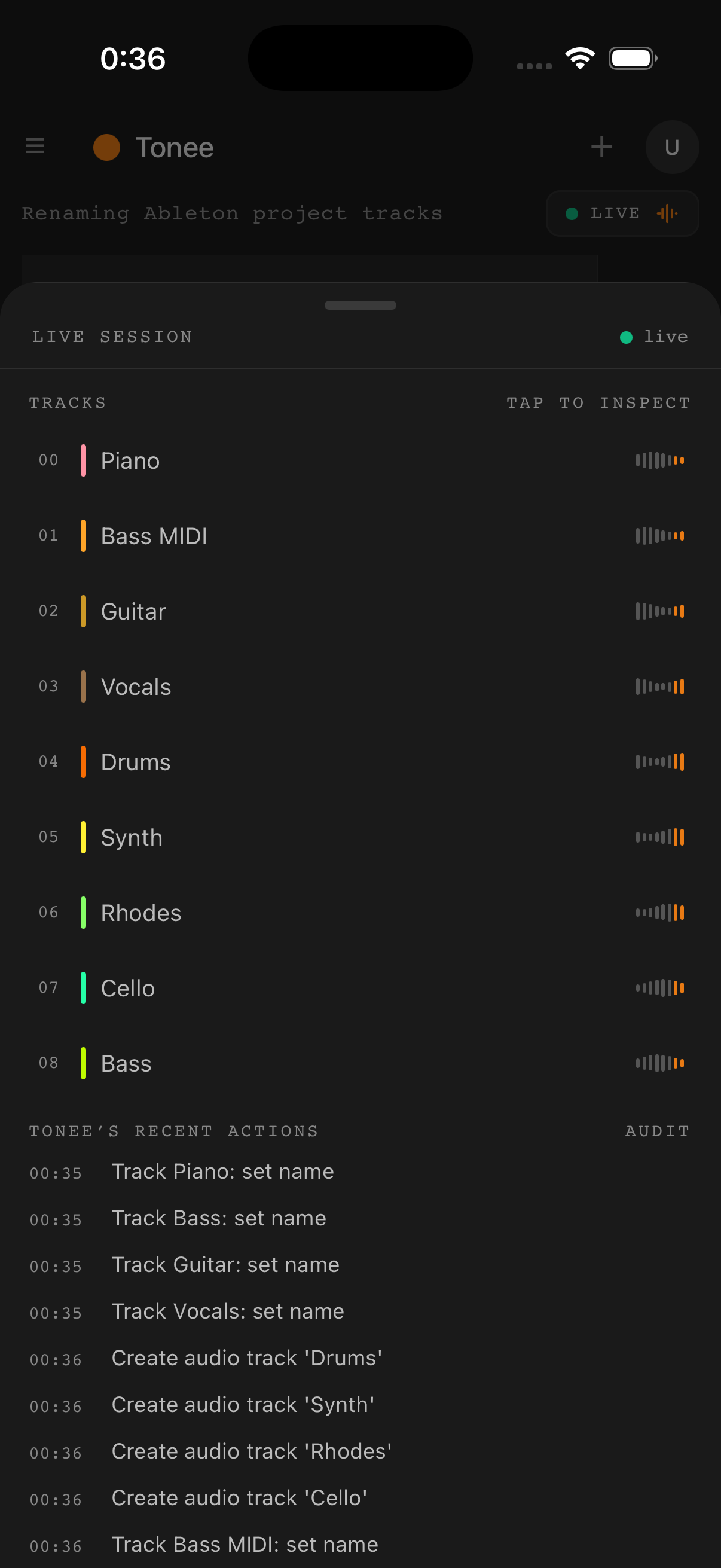
Pull up the live session sheet and you get your track list in Ableton’s own colours, the audio engine’s load, and a timestamped log of every change tonee has committed in this chat.
It also tells you when it cannot see anything: Reconnecting, Desktop offline, Ableton is closed. A panel that goes quiet is a panel that lies, so this one says which kind of quiet it is.
hands on the instrument.
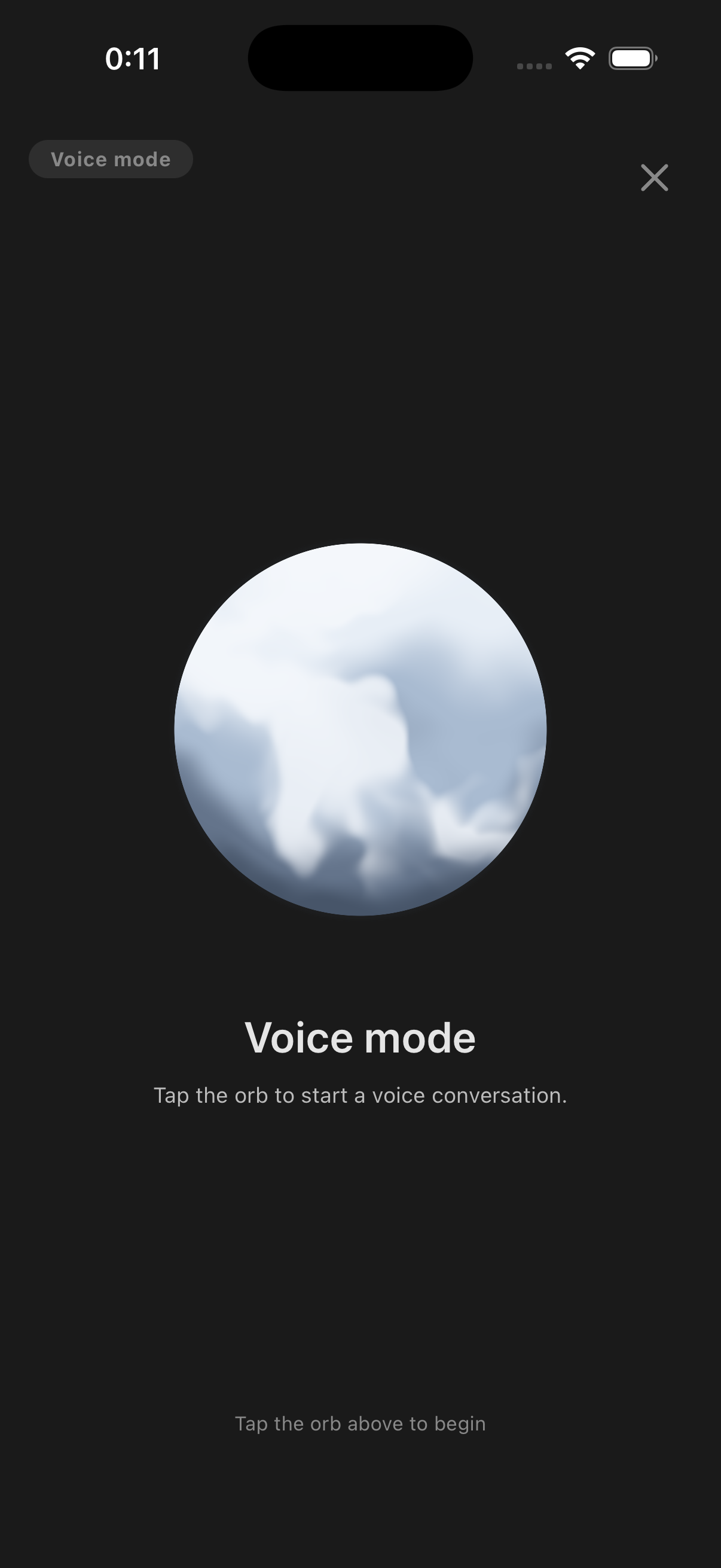
Tap the orb, say the thing, tap again. It listens, thinks, speaks the reply out loud, then goes back to listening, so you can keep playing through a whole exchange.
A take that never rises above room noise is dropped instead of sent. If you would rather read the reply than hear it, the mic in the composer just dictates into the text box and waits for you to press send.
Voice on the phone is transcribed on our servers, not on the device (unlike the desktop app). privacy policy
get the app.
Included with your plan at no extra cost. It needs the desktop app, so start there if you have not installed it yet.